For something called a “team project,” it’s amazing how often everyone’s on a different page. Design maps connect the dots. They organize your research, stories of use, and design artifacts into clear, user-centered interfaces that your team can actually build fast. No more “Wait, what did you mean here?” from developers. No more features disappearing between design and delivery. Just smoother handoffs, faster dev cycles, and teammates who want to build your vision.
In this video, William Hudson, User Experience Strategist and Founder of Syntagm Ltd, explains how you can build design maps that bring together personas, scenarios, and key design artifacts, like sketches, wireframes, and prototypes, so you can align user needs, system constraints, and implementation decisions in one clear framework.
Show
Hide
video transcript
- Transcript loading…
How to Create Design Maps for Collaboration

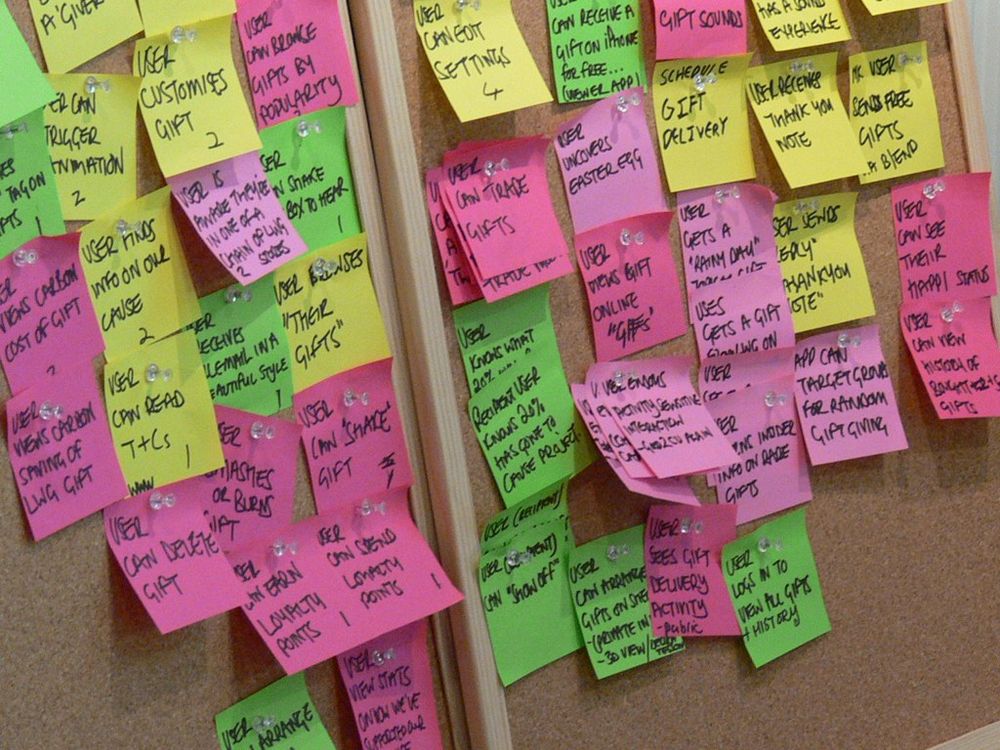
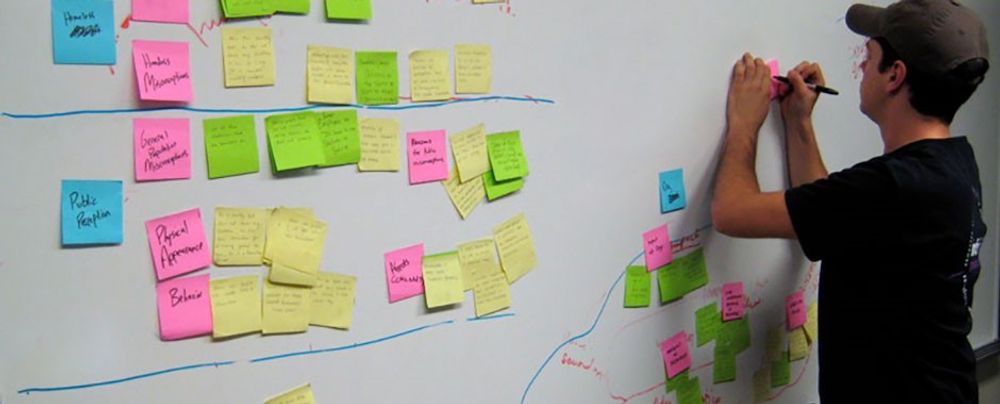
Design maps are a collaborative visual tool that combines stories of use with comments, questions and ideas from the project team.
© Pruitt & Adlin, The Persona Lifecycle, Fair use. Redrawn by Interaction Design Foundation.
Design maps appeared around the same time as user stories and are similar in concept and appearance to user story maps, which are popular in agile teams. However, user story maps only include the steps users take, not questions, comments, and ideas. Design maps, as they're covered here, are from Pruitt and Adlin’s The Persona Lifecycle.
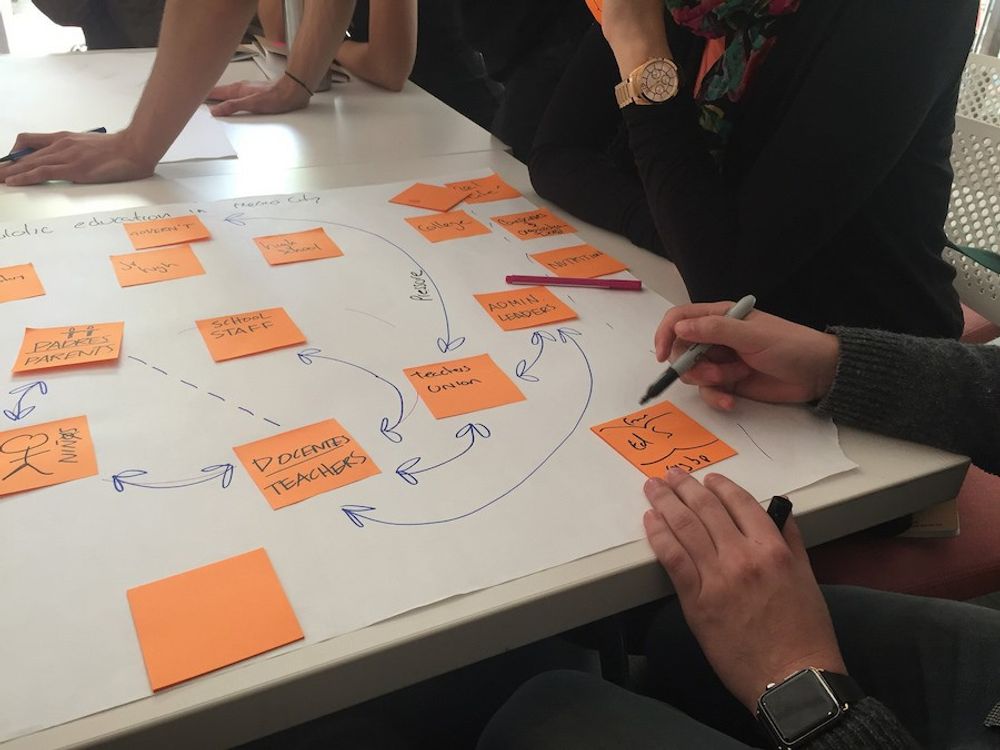
In this video, William demonstrates how to assemble all the basic elements of a design map, and, like with many tools in UX design, you do this with sticky notes.
Show
Hide
video transcript
- Transcript loading…
As mentioned in the clip, you should not rely solely on color to convey meaning. You can address this by labelling or marking comments, questions, and ideas, so that color is not the only cue to the type of note.
Design Map Tools
You can easily construct paper design maps using large paper sheets or rolls, such as flip chart pads, easel paper, butcher paper, or craft paper rolls. Sticky notes come in packs of four colors, often those shown in the design map above.
For digital design maps, you can use various collaborative digital tools. In these videos, William shows you how to build design maps in Figma and Miro with free accounts.
Figma
Show
Hide
video transcript
- Transcript loading…
Miro
Show
Hide
video transcript
- Transcript loading…
Whether you're building design maps in person or online, you start with the steps for your persona and add other notes as required. Paper design maps tend to be created through workshops. Workshops may still be the best option for online collaboration, but teams can make changes or additions at other times, if desired.
Add Your Visualizations
As you build your design maps, you can strengthen them by adding simple visual elements that clarify intent and guide implementation. Use quick sketches, thumbnails, or simplified screen views to show what users experience at each step.
Visual cues make it easier for your team to connect user actions with interface behaviors and ensure that design intent carries through to development. The level of visual detail you add depends on your team’s needs: sometimes a quick sketch communicates all that’s required, while other times you will need higher fidelity visualizations. What matters most is that your map remains a shared, easy-to-understand view of how your design works in practice.
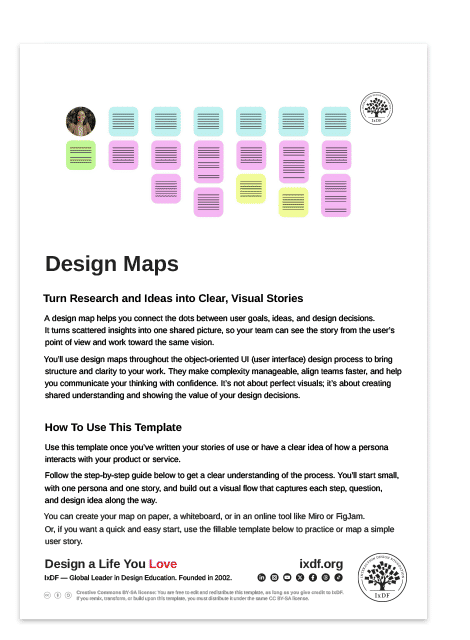
Download Your Free Design Map Template
This template includes a step-by-step guide to help you build design maps, a full-page example map, and a fillable map for practice, as well as simple stories of use. Use it to start small, with one persona and one story, and build out a visual flow that captures each step, question, and design idea along the way.
The Take Away
Design maps pull everything together: the who, what, and how of your design process, so your team is finally on the same page and builds toward a shared vision. Your personas define who you’re designing for. Your stories of use show what they’re trying to achieve. And your design artifacts, like sketches, wireframes, and prototypes, bring those journeys to life.
When you combine these with your team’s comments, questions, and ideas, you create a shared picture that’s easy to follow and hard to misinterpret. Remember to design for inclusion: use color thoughtfully and add clear labels or shapes so everyone stays on the same page.
Design maps keep your project grounded in user needs, strengthen collaboration, and help you deliver designs that not only work beautifully but make sense to everyone building them. Because when your team designs with shared purpose, you find more meaning in the work you do, and more pride in the impact it creates.
References and Where to Learn More
Read more about Design Maps inJohn Pruitt and Tamara Adlin's book, The Persona Lifecycle. There is also a shorter version in The Essential Persona Lifecycle. You can download Tamara Adlin's chapter on design maps as a PDF.
To discover more about how user story maps differ from design maps, read our article, User Story Mapping in Design.
Hero image: © Pruitt & Adlin, The Persona Lifecycle, Fair use. Redrawn by Interaction Design Foundation.