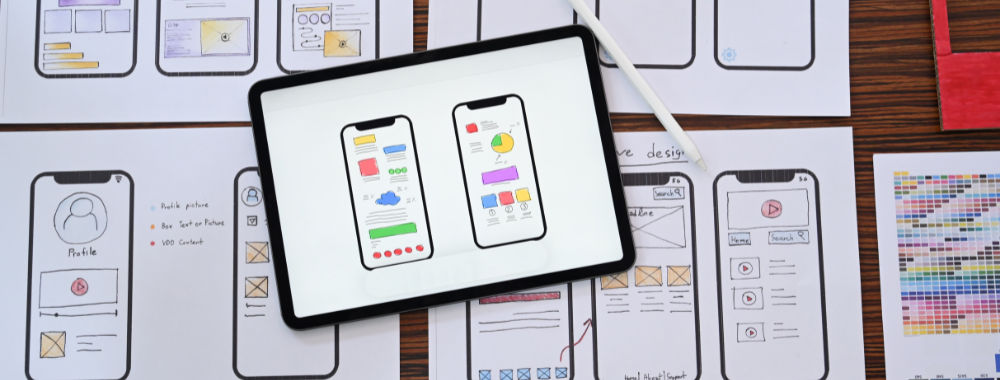
Prototyping is the bridge that carries you, as a designer, between a concept and the first attempts to get it into some concrete form in UX design (User Experience). It allows you to move ideas from your mind into hands-on experiences for others to see, test, and critique, and for you to iterate on and improve them. To make prototypes isn't just a handy practice that helps designers share their vision and try out concepts long before development starts in earnest, and later as work moves closer to a first developed version. Prototyping is such a vital part of the design process that it forms an entire phase in design thinking, which makes it essential to choose the right prototyping tool. That's why we're here to guide you through the best prototyping tools for UX designers in 2026.
Tools are more than just important to UX and UI (User Interface) designers; they're vital aids that allow designers to apply their hard-earned knowledge of design principles and turn the concepts in their heads into tangible results. Happily, designers are accustomed to keeping their fingers on the pulse of technological advancements and the tools that help streamline workflows, boost creativity, and empower them to create engaging user experiences for their target audiences, as well as effective, winning design solutions for the brands they work for.
Of all the UX tools available, there's no shortage of prototyping options, which can make choosing the right one feel overwhelming at times. That choice often requires weighing several factors, including job types, design preferences, and budgets, which is why we've put this list together for you.
If you’d like a quick overview, we’ve put together a table comparing our picks of the top UX prototyping tools.
Name | Features | Best for | Free/Paid | |
Figma |
|
| Easy to learn | Free and paid plans |
|
| Moderate learning curve | Paid only | |
Axure RP |
|
| Steeper learning curve | Paid only |
Proto.io |
|
| Easy to learn | Paid only |
Balsamiq |
|
| Easy to learn | Paid only |
UXPin |
|
| Moderate learning curve | Paid only |
Marvel |
|
| Easy to learn | Free and paid plans |
Origami Studio |
|
| Steeper learning curve | Free |
That’s a “tabular overview” of what’s what. Now, we’ll look at various factors and compare these design prototyping tools in more detail. This will make it easier for you to pick the right one for your needs and choose something that helps you keep the joy in design and make your designs better.
1. Figma
© Figma, Fair use
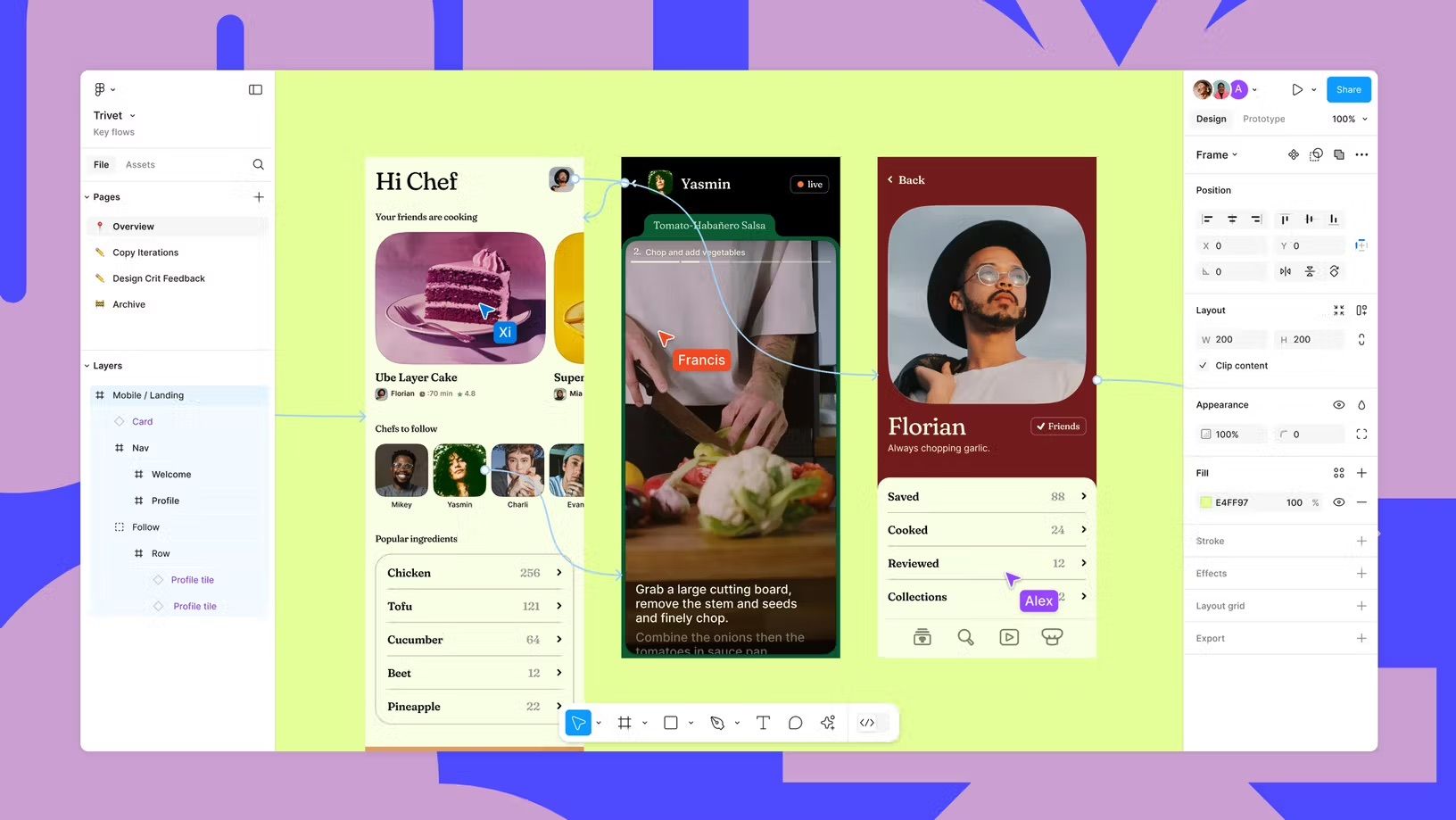
Figma is a versatile, cloud-based prototyping tool that has gained massive popularity among UX designers and stands as a leading platform in the industry. Figma excels at real-time collaboration, which allows teams to work on projects simultaneously. This makes it a solid choice for remote or distributed teams who need to prototype together.
Figma offers powerful vector editing and prototyping capabilities that let you create detailed wireframes, mockups, and interactive prototypes. The platform provides an extensive library of components, responsive layouts, and a robust plugin ecosystem that streamlines workflows and helps you create effective designs.
Compatibility: Windows, macOS, Linux, and browser-based.
Ease of use: Beginner to intermediate.
Free version or trial: Yes, Figma offers a free plan with limited features.
Pros
Real-time collaboration.
Extensive library and plugin ecosystem.
Cross-platform compatibility.
Regular updates and feature additions.
Cons
Limited offline capabilities.
Can be resource-intensive on low-end devices.
2. Sketch
© Sketch, Fair Use
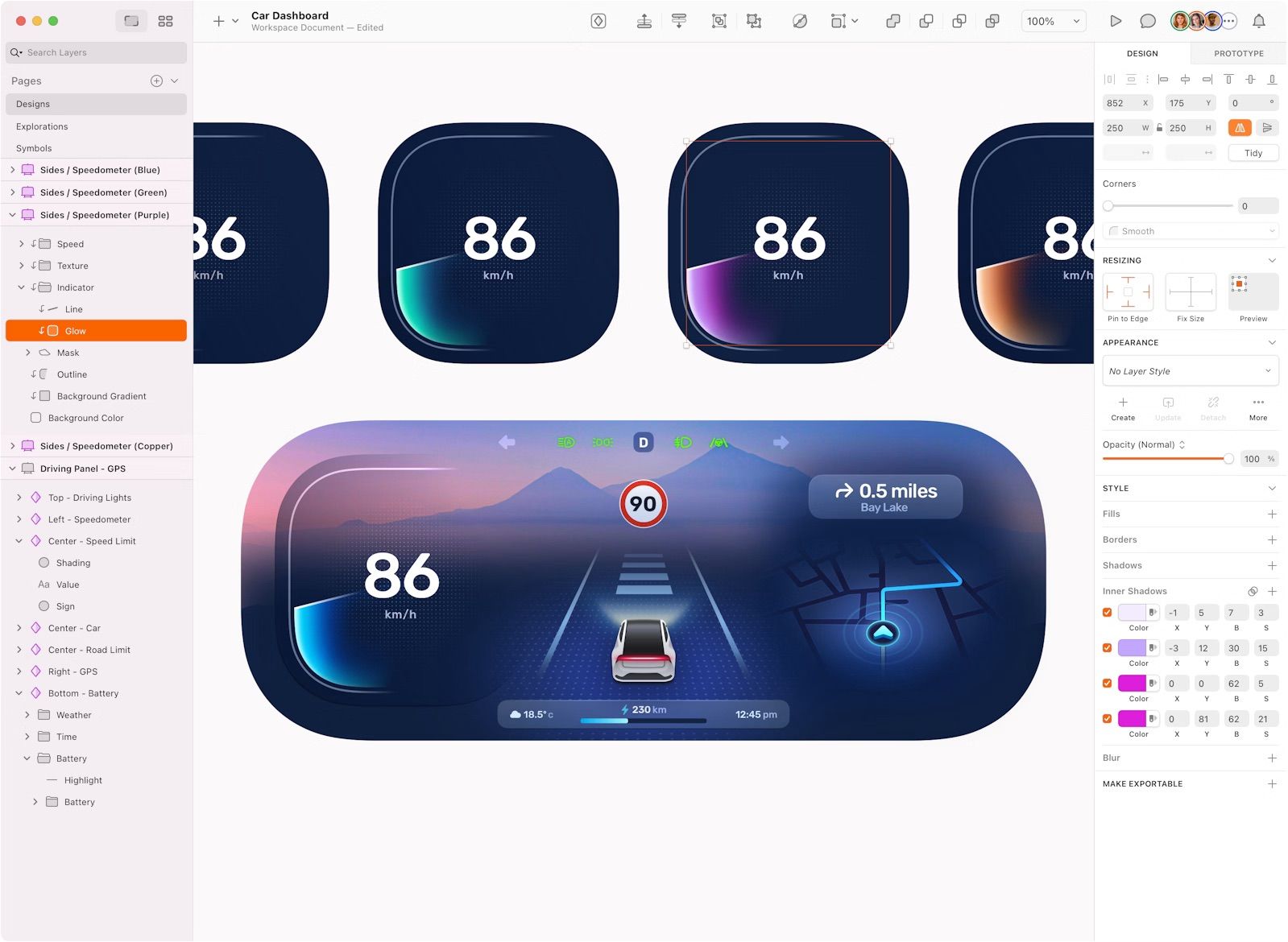
Sketch is a popular vector-based design tool that focuses primarily on UI/UX design. The platform offers a clean interface and an extensive range of design features, which make it an excellent choice for creating detailed mockups, wireframes, and interactive prototypes.
One important consideration: Sketch operates exclusively as a Mac application, which excludes non-Mac users from the platform. If you work on Windows or Linux, you'll need to explore alternative tools, as Sketch has no plans to expand to other operating systems.
For Mac users, Sketch provides a powerful design platform with numerous plugins, integrations, and extensive symbol libraries. The platform supports real-time collaboration through shared Workspaces, which allows team members to co-edit documents and share work with clients. While the collaboration features work well, some designers find browser-based tools offer more seamless cross-platform teamwork.
Compatibility: macOS only.
Ease of use: Beginner to intermediate.
Free version or trial: Yes, Sketch offers a 30-day free trial.
Pros
Clean and intuitive interface.
Extensive design features.
Strong plugin and integration ecosystem.
Real-time collaboration in shared Workspaces.
Cons
macOS-only application.
Collaboration features less seamless than fully browser-based tools.
3. Axure RP
© Axure RP, Fair Use
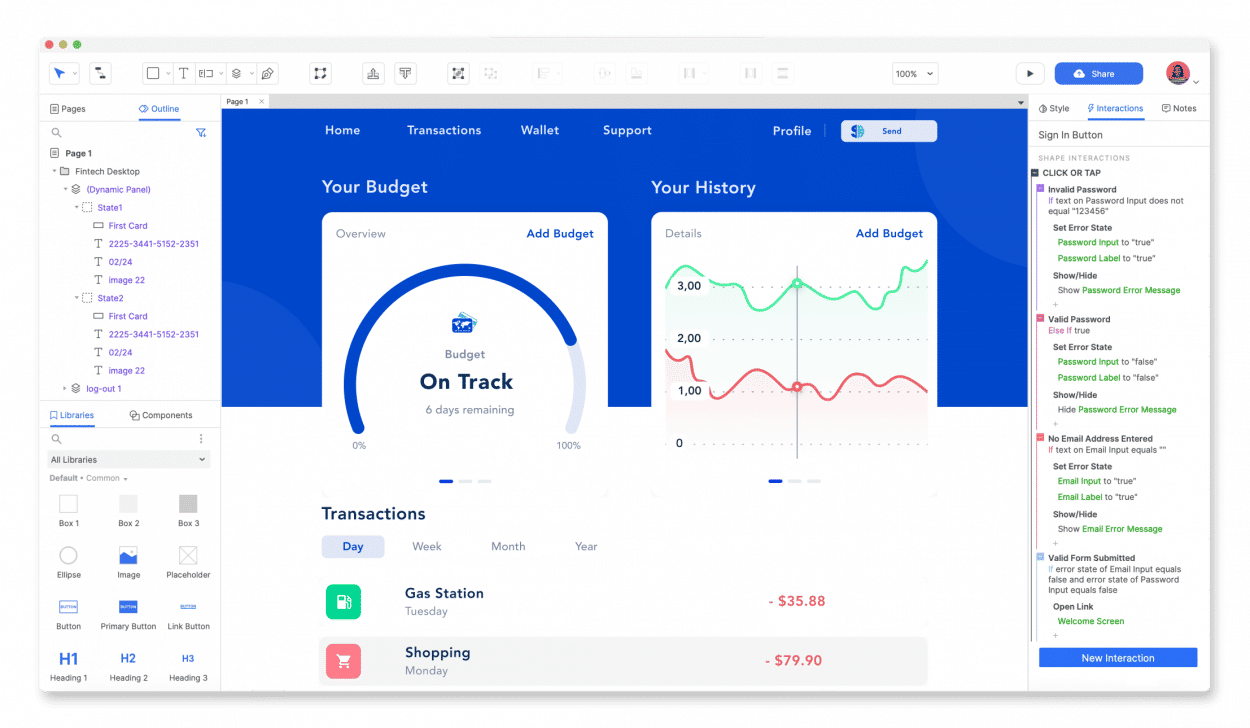
Axure RP is a strong prototyping tool for experienced designers and developers who need extensive control over prototype logic, interactions, and dynamic content. This platform specializes in creating complex, interactive prototypes with advanced functionality that simulates real application behavior.
Axure RP offers conditional logic, dynamic content, and adaptive views for creating data-driven and responsive prototypes. The tool supports unlimited event triggers, conditions, actions, and variables, which allow you to build realistic flows like form validation, authentication sequences, and data manipulation. The comprehensive documentation capabilities (including annotations, flow diagrams, and auto-generated specifications) make Axure RP an excellent choice for large projects and enterprise applications that require detailed stakeholder handoff.
Compatibility: Windows, macOS.
Ease of use: Intermediate to advanced.
Free version or trial: Yes, Axure RP offers a 30-day free trial.
Pros
Advanced prototyping capabilities.
Conditional logic and dynamic content.
Comprehensive documentation features.
Adaptive views for responsive design.
Cons
Steeper learning curve.
Collaboration features less fluid than browser-based tools.
4. Proto.io
© Proto.io, Fair Use
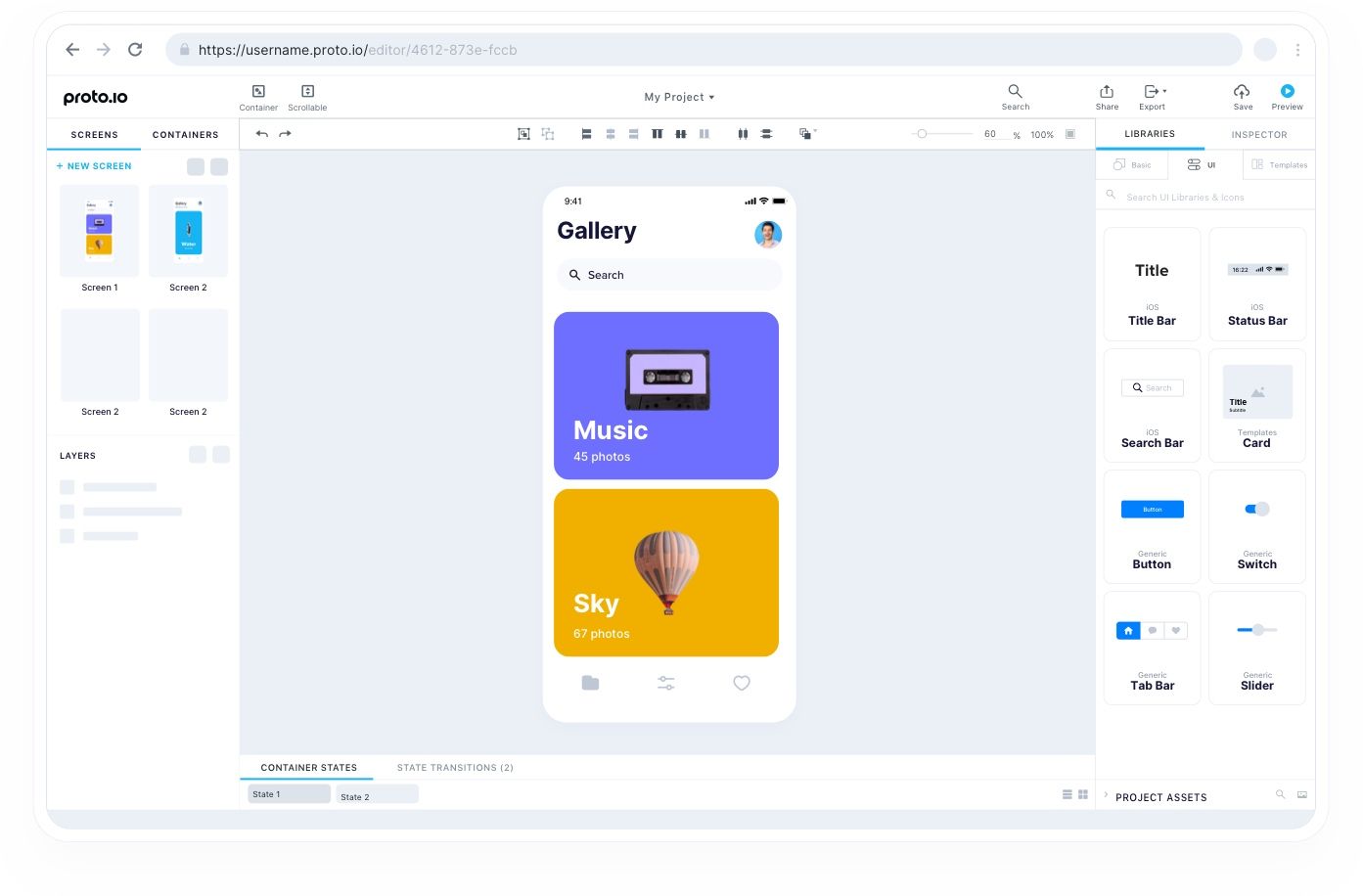
Proto.io is a web-based prototyping tool that offers extensive features for creating high-fidelity, interactive prototypes without any coding. The platform provides a comprehensive library of over 250 native-like UI components for iOS, Android, Web, and other platforms, plus thousands of customizable templates and digital assets. The drag-and-drop interface includes timeline-based animations, screen transitions, and advanced interactions that allow you to create engaging user experiences quickly.
A standout feature is the ability to import design assets from tools like Sketch, Photoshop, Figma, and Adobe XD, which enables seamless integration with existing workflows. Proto.io supports user testing and collaboration through shareable links, comment collection, and team access with granular permissions. You can preview prototypes in web browsers or through native Proto.io apps on iOS and Android devices for on-device testing.
Compatibility: Browser-based.
Ease of use: Beginner to intermediate.
Free version or trial: Yes, Proto.io offers a 15-day free trial.
Pros
No-code high-fidelity prototyping with realistic native behaviors.
Rich animations, interactions, and extensive component libraries.
Easy import from multiple design tools.
Strong user testing and feedback capabilities.
Cons
Collaboration features focus on sharing and comments rather than real-time co-editing.
Performance can lag with complex projects.
Import features occasionally encounter issues with complex files.
5. Balsamiq
© Balsamiq, Fair Use
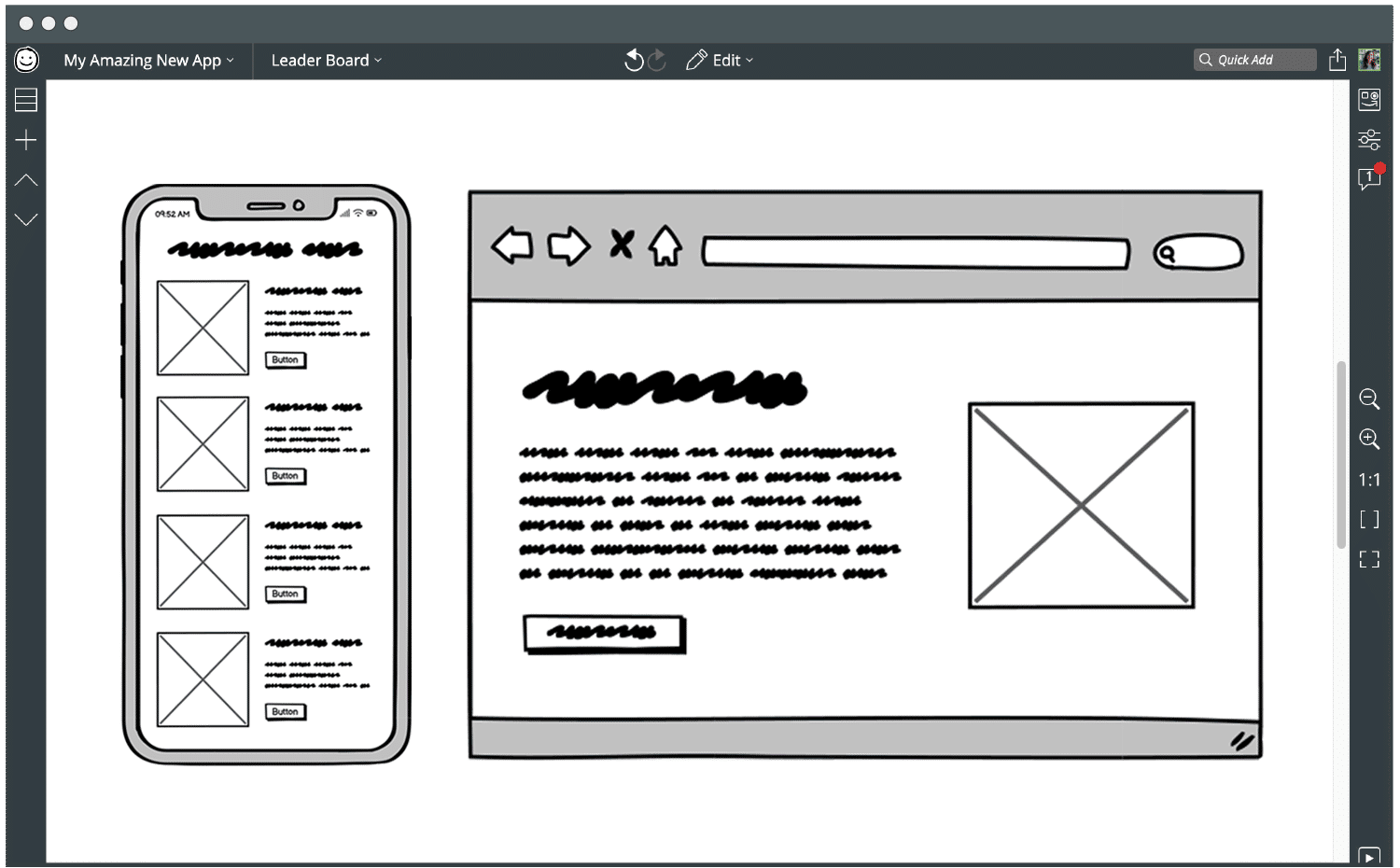
Balsamiq is a simple, straightforward wireframing tool that excels at creating low-fidelity prototypes quickly. The platform prioritizes speed and simplicity, which makes it an excellent choice for rapid prototyping and early-stage design exploration.
Balsamiq's sketch-like interface uses a hand-drawn aesthetic that signals "this is rough, discuss ideas, not pixels." This approach encourages focus on content and functionality rather than aesthetics, which proves valuable for idea validation and design iteration. The platform features an extensive library of pre-built UI components with hundreds of drag-and-drop controls for web, mobile, and desktop applications that accelerate the design process.
The tool has earned recognition as a gold standard for low-fidelity wireframing, particularly among non-designers like product managers, developers, and founders who need to communicate concepts without design expertise.
Compatibility: Browser-based (Balsamiq Cloud), with legacy desktop versions for Windows and macOS.
Ease of use: Beginner.
Free version or trial: Yes, Balsamiq offers a free trial.
Pros
Simple, intuitive interface.
Rapid low-fidelity prototyping.
Large library of pre-built UI components.
Focus on content and functionality.
Cons
Limited high-fidelity and interactive prototyping features by design.
Not suitable for advanced projects requiring pixel-perfect mockups.
Teams often need to pair it with other tools for final designs.
6. UXPin
© UXPin, Fair Use
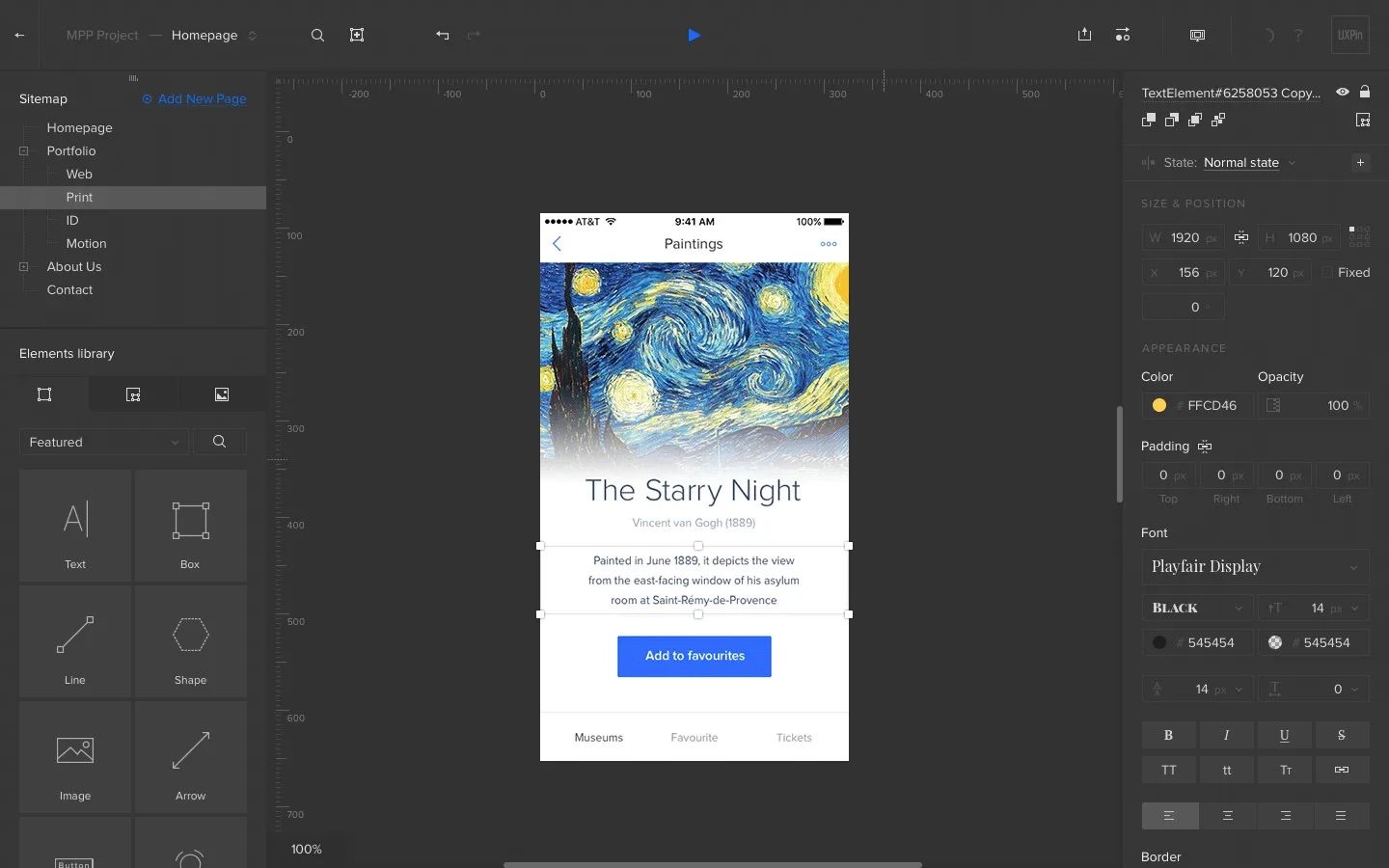
UXPin is a comprehensive platform that merges design, prototyping, and collaboration into a unified workflow. The tool accelerates product creation through its integrative approach and focus on simplicity, which bridges the gap between design and development.
UXPin offers a streamlined interface with capabilities for rapid prototyping in both low-fidelity wireframes and high-fidelity interactive prototypes. The platform eliminates the traditional handoff between design and development by supporting real coded components from libraries like MUI, Tailwind, and Bootstrap. This approach allows designers, developers, and product managers to collaborate continuously throughout the project lifecycle.
The tool's Spec Mode automatically generates specifications, assets, and code snippets, which reduces the need for manual documentation. UXPin can export production-ready React code and sync with Git and Storybook, making it particularly valuable for teams that want design work to translate directly into development.
Compatibility: Browser-based with desktop app options for Windows and macOS.
Ease of use: Intermediate.
Free version or trial: Yes, UXPin offers a free plan with limited features.
Pros
Enhances design consistency through Design System Libraries and code-backed components.
Offers creative freedom with both low-fidelity and high-fidelity prototyping.
Streamlines teamwork with comment tracking, design approvals, and project tracking.
Integrates with Sketch, Adobe Fonts, Slack, Jira, and other tools.
Reduces documentation needs with automated Spec Mode.
Cons
Steeper learning curve for beginners due to advanced features.
Limited overview capabilities for navigating large projects.
Does not integrate with Adobe Illustrator.
7. Marvel
© Marvel App, Fair Use
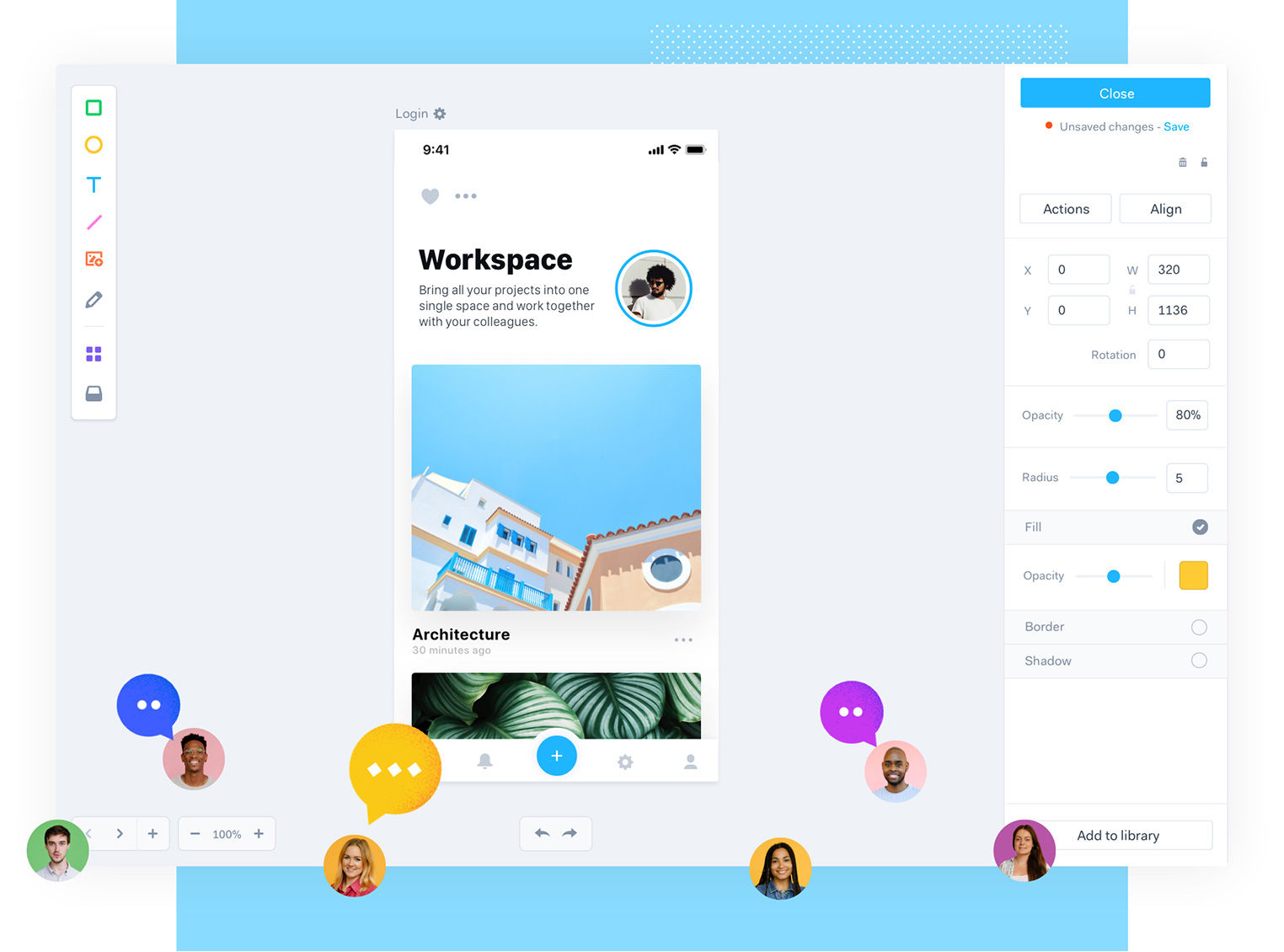
Marvel is a user-friendly, cloud-based prototyping tool that allows designers to create wireframes, mockups, and interactive prototypes quickly. The platform focuses on simplicity and collaboration, which makes it an excellent choice for small teams and individual designers who need a straightforward, efficient design process.
Marvel's intuitive drag-and-drop interface makes it easy to create interactive prototypes from static designs. You can add hotspots, links, gestures, and basic interactions without any coding. The platform integrates with tools like Sketch and Photoshop for seamless asset import, and it supports uploads from various sources along with stock assets and templates.
Marvel offers built-in user testing capabilities that include audio and video feedback, screen recordings, and metrics collection. The commenting and sharing features help streamline the design iteration process and improve team collaboration throughout the project.
Compatibility: Browser-based, with mobile apps for iOS and Android.
Ease of use: Beginner.
Free version or trial: Yes, Marvel offers a free plan with limited features.
Pros
User-friendly interface with minimal learning curve.
Smooth drag-and-drop prototyping.
Integration with Sketch and Photoshop.
Built-in user testing and feedback capabilities.
Cons
Limited advanced design features compared to comprehensive tools.
No native desktop application.
Basic interaction capabilities without complex animations or logic.
8. Origami Studio
© Meta, Fair Use
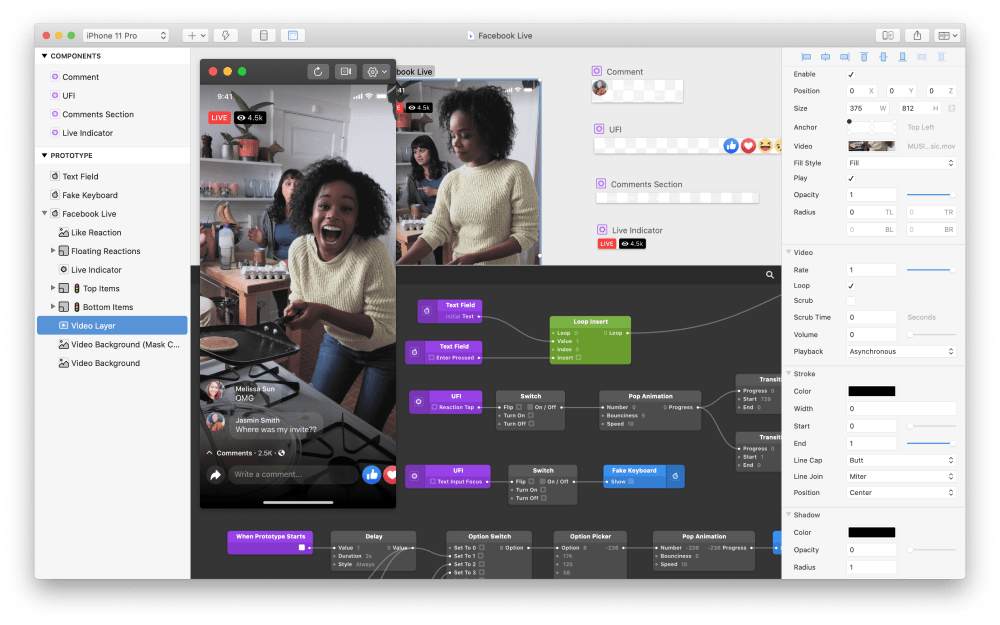
Origami Studio offers a wide range of mobile-specific features, including multi-touch gestures, device-specific components, and access to native hardware APIs. The tool uses a patch-based visual programming approach that allows you to wire nodes for complex logic and animations. You can preview prototypes in real time on mobile devices using the companion Origami Live app for iOS, which includes offline testing capabilities after export.
The platform supports importing designs from Sketch through copy-paste and from Figma via the Origami Pasteboard plugin. You can export code snippets to aid developer handoff, though the tool does not generate full production code.
Compatibility: macOS only.
Ease of use: Intermediate to advanced.
Free version or trial: Yes, Origami Studio is entirely free with no paid tiers.
Pros
High-fidelity, interactive mobile app prototyping.
Wide range of mobile-specific features and native behaviors.
Real-time preview on mobile devices.
Completely free with all features unlocked.
Cons
macOS-only application excludes Windows and Linux users.
Steeper learning curve due to patch-based programming approach.
Best suited for designers comfortable with code-like logic thinking.
Which UX Prototyping Tool Is Best for You?
When you choose beginner-friendly UX prototyping tools, focus on ease of use, an intuitive interface, accessible learning resources, and extensive component libraries. These factors prove crucial because a UX designer's job involves weaving visuals, navigational elements, and interactions together. These tools help you create, demonstrate, and share solid representations of how a design will behave and feel.
When you create prototypes, consider several factors before you select a tool. Many tools offer trial periods or free plans with limited features. Think about where you are in your design journey—your experience level—and what you need from the tool for specific tasks and projects. You're a designer, but you're also a user in this sense, so consider your context and your design team's needs, whether you need to validate ideas quickly, iterate on versions, or work through other design stages.
One more thing to keep in mind: Your design approach and knowledge of design principles matter more than the specific tool you choose. Rely on your design thinking before you rely on the software. After all, you need to make the tool work for you and produce those results on screen. Tools change and features within tools evolve, but design principles remain constant. Stay adaptable to new tools, as different companies use different ones and potential employers may expect proficiency in tools you haven't yet mastered.
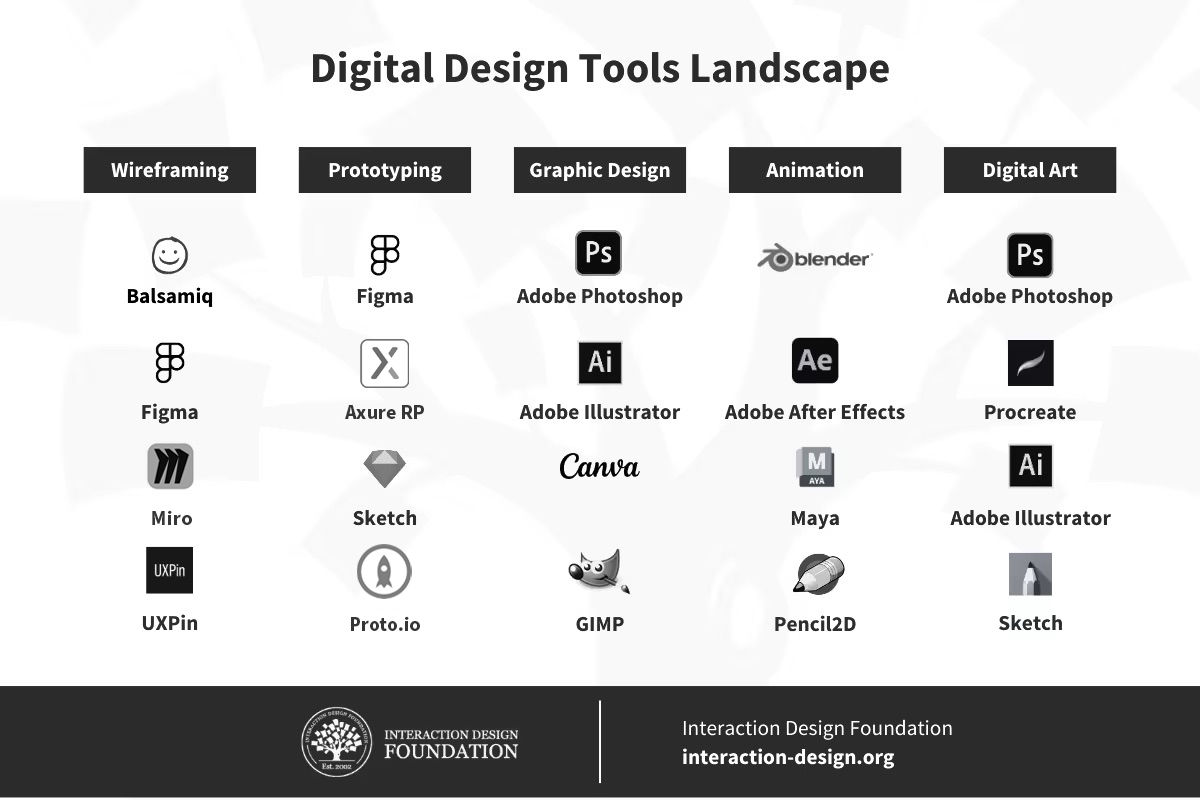
There are a plethora of tools available to designers, from wireframing to animation. Experiment and see what suits you best, but always keep in mind that it's you and the knowledge you hold that will make outstanding designs.
© Interaction Design Foundation, CC BY-SA 4.0
Last, but not least, check out this comprehensive post on UX tools to gain an additional perspective on the available options. This will help you make an informed decision and start your UX design journey on the right foot. If you're not a beginner, read it to refresh your understanding of which tools can best support your work and for which tasks as you create prototypes for your brand, your users, and your portfolio.
Start Learning UX Today!
Master UI prototyping tools and design a career you love. When you enroll in Interaction Design Foundation (IxDF) courses, you gain the knowledge and skills to excel in UX design. Our beginner UX courses focus on timeless, human-centered principles and best practices that protect you from becoming obsolete as technology evolves.
From basic principles to hands-on practice, we tailor our courses to help you master concepts you can apply immediately to create outstanding user experiences. You'll build the confidence and credibility that advance your career and increase your salary potential.
Join our beginner UX courses today to start your journey, or explore our full range of UX courses to enhance your design skills, realize your full potential, and create the meaningful, rewarding career you deserve.